Typing Defense
Protect your base from falling words! Type fast to destroy them.
Typing Defense
Type the falling words to destroy them before they hit your base. Special characters and long words give more points!
Mission Failed
Base integrity compromised.
Desktop Recommended
This game requires a physical keyboard for the best experience.

About Typing Defense
Typing Defense is not your average typing test. It gamifies the experience, forcing you to type under pressure as words rain down on your base. This builds not just speed, but the ability to quickly recognize and process words (sight-reading) and execute keystrokes accurately without hesitation.
Modes Explained
- Easy: Common English words (top 500). Good for warmups.
- Medium: Mixed dictionary including longer, more complex words.
- Hard: Code syntax! (
var_dump,function(),#include). The ultimate test for developers.
Frequently Asked Questions
What is Typing Defense?
Typing Defense is a gamified typing test where you must type falling words correctly to destroy them before they hit your base. It's designed to improve your typing speed, accuracy, and ability to stay calm under pressure.
How do I score points?
You earn points for every word you destroy. The score is based on the word length and the current level difficulty. Longer words and higher levels award more points.
What happens if a word hits the base?
If a word reaches the bottom of the screen, your base takes damage. If your base health drops to 0%, the mission is failed. destroy words quickly to protect your base!
Can I pause the game?
Yes! Just press the Esc key to pause the game at any time. Press it again to resume.
What are the different difficulty levels?
Easy: Standard English words. Great for warming up.
Medium: A mix of complex technical terms and longer words.
Hard: Real code syntax, including brackets, semicolons, and terminal commands. The ultimate challenge for developers.
Does this help with coding?
Absolutely. The 'Hard' mode specifically targets the special characters ({} [] ; /) that developers use constantly. Building muscle memory for these keys will significantly speed up your coding workflow.
Is there a leaderboard?
Currently, we track your high score for the current session. Adding a global leaderboard is on our roadmap!
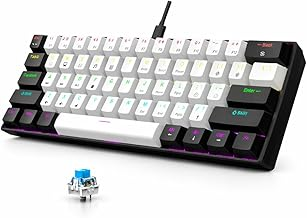
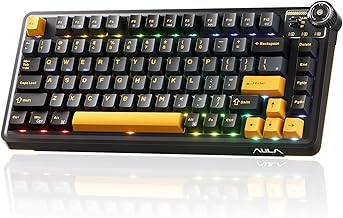
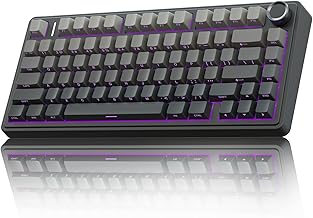
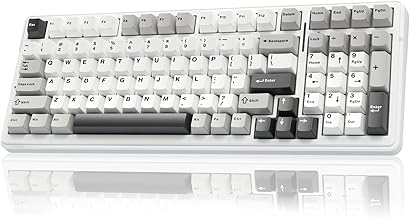
Top Rated Mechanical Keyboards
Check Out Other Popular Tools
Google SERP Simulator (Pixel Width)
Optimize your Google Search snippets by pixel width. Live desktop and mobile previews to prevent truncation and boost CTR.
Biological Generation Calculator
Enter your birth year to discover your true biological generation. Are you a Boomer, Gen X, Millennial, Gen Z, or Gen Alpha? Get a funny roast with your result.
Random Movie Picker
Stuck scrolling through Netflix endlessly? Our Random Movie Picker is here to cure your analysis paralysis!
Was this tool helpful?
Comments
Loading comments...