The Art of the Click: Mastering Open Graph Tags for Viral Growth
TL;DR
Your content is great, but your social preview is broken. Learn how to use Open Graph meta tags to triple your click-through rate, fix broken thumbnails, and dominate the feed.
Table of Contents
You just published a masterpiece. You spent hours researching, writing, and editing. You paste the link into Slack or Twitter, and... nothing. No image. No title. Just a naked blue URL. Congratulations, you just lost 90% of your potential traffic.
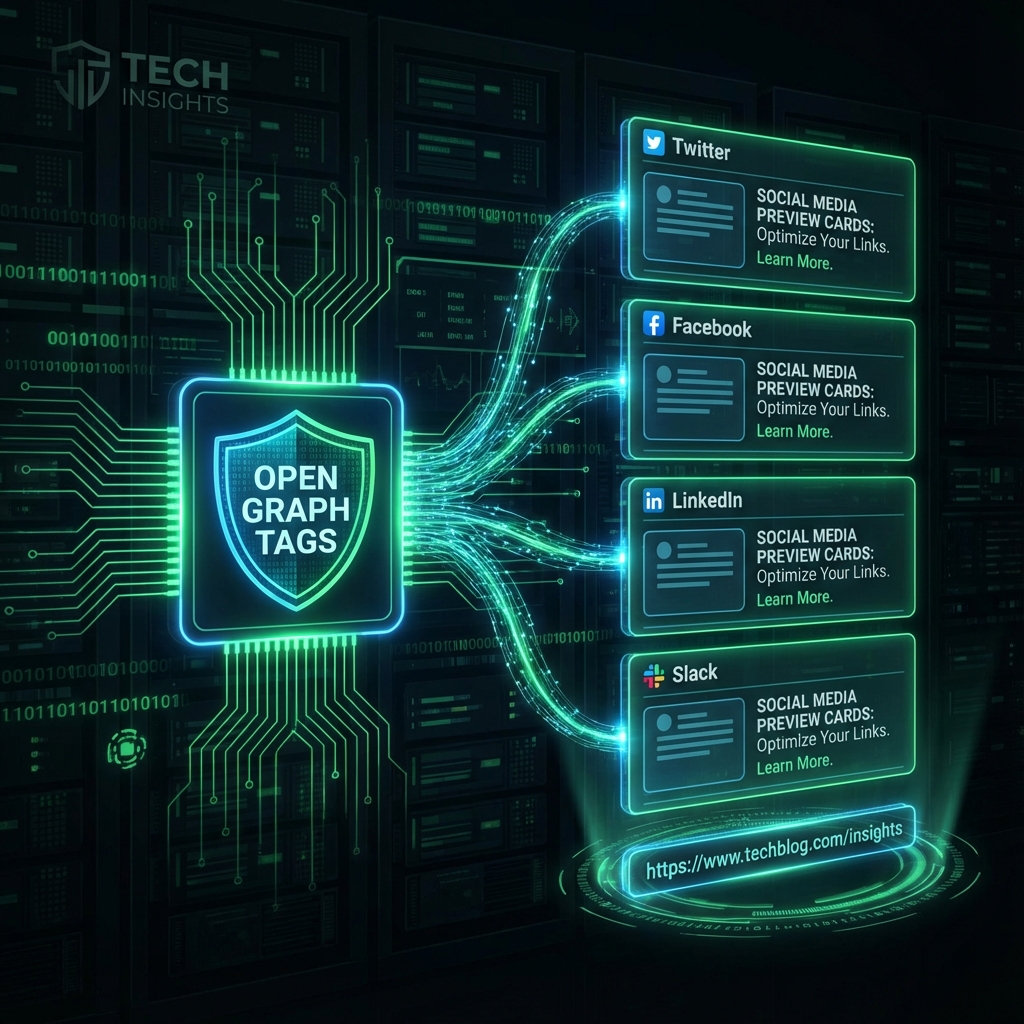
In the attention economy, the "preview card" is your movie trailer. If the trailer sucks, nobody buys a ticket. The technology powering these trailers is the Open Graph Protocol (OGP). Originally created by Facebook in 2010, it has become the universal standard for how links interact with the social web.
In this engineering-grade deep dive, we will unpack the Open Graph protocol, explore the architecture of a perfect social card, and show you how to use our Open Graph Checker to debug your metadata like a pro.
The Physics of the Feed
When you paste a link, the social platform (the "Consumer") sends a crawler to your URL. This crawler doesn't run JavaScript. It makes a raw HTTP request, grabs the first few kilobytes of HTML, and looks for specific <meta> tags in the <head>.
If these tags are missing, the crawler guesses. It grabs the first image it finds (usually your logo or an ad) and the page title. The result is usually a disaster.
The Full Stack Social Card
To compete with Silicon Valley media giants, you need to implement the "Triple Threat" of metadata.
1. The Visual Hook (og:image)
This is 80% of the battle. The golden ratio is 1.91:1 (1200x630px).
Pro Tip: Place your main subject usage in the "safe zone" (center 600px). Platforms like WhatsApp and square-cropping bots often slice off the edges.
2. The Headline (og:title)
Do not just copy your <title> tag. Your SEO title includes keywords for robots; your OG title is for humans. It needs to be punchy, urgent, and under 60 characters to avoid truncation on mobile.
3. The Platform Specifics (Twitter Cards)
Twitter is the exception. It supports OG, but it prefers its own proprietary tags. If you want the big image, you must include:
meta name="twitter:card" content="summary_large_image"
The Caching Nightmare
You changed your OG image, but Facebook is still showing the old one. Why? Aggressive Caching.
Social crawlers cache your metadata for days, sometimes weeks. To force an update, you have two options:
- The Manual Purge: Use the official Facebook "Sharing Debugger" to scrape your URL again.
- The Query String Hack: Append a dummy parameter to your URL (e.g.,
?v=2). The crawler sees a "new" URL and fetches fresh data.
Level Up: Dynamic OG Images
The best engineering teams (Vercel, GitHub, Stripe) do not make images manually. They use Open Graph Image Generation.
By using serverless functions and libraries like @vercel/og or Puppeteer, you can generate an image on the fly that contains the dynamic title, the author's avatar, and the reading time. This level of personalization increases click-through rates by up to 40%.
Stop Guessing, Start Verifying
A broken preview is a broken user experience. Before you hit publish, run your URL through our Open Graph Checker.
Debug Your Social Preview
See exactly what Facebook, Twitter, and LinkedIn see. Identify missing tags, validate image sizes, and fix truncation issues in seconds.
Test My URL Now
Was this article helpful?
Comments
Loading comments...