Convert Letters to Binary Online: The Ultimate Guide to Computer Language
TL;DR
Ever wondered how computers understand your words? Learn how to convert letters to binary online, understand ASCII vs Unicode, and send secret messages in 0s and 1s.
Table of Contents
We live in a digital world, but at its core, every email, text message, and website you see is just a massive stream of 0s and 1s. This is the language of computers: Binary.
Have you ever wanted to see what your name looks like in robot language? Or maybe you need to debug some code? In this guide, we will explore the fascinating world of binary code, explain how to convert letters to binary online, and show you how to use our Smart Text to Binary Converter.
What is Binary Code?
Binary is a base-2 number system. Unlike our decimal system (base-10), which uses digits 0-9, binary only uses 0 and 1. In computing terms:
- 1 (On): Represents a flow of electricity.
- 0 (Off): Represents no flow of electricity.
By combining these switches, computers can represent complex data. A single 0 or 1 is called a Bit. Eight bits make a Byte.
How Computers Read Text (ASCII vs. Unicode)
Computers don't understand "A" or "B". They need a map to translate these letters into numbers, and then into binary.
1. ASCII (The Old Standard)
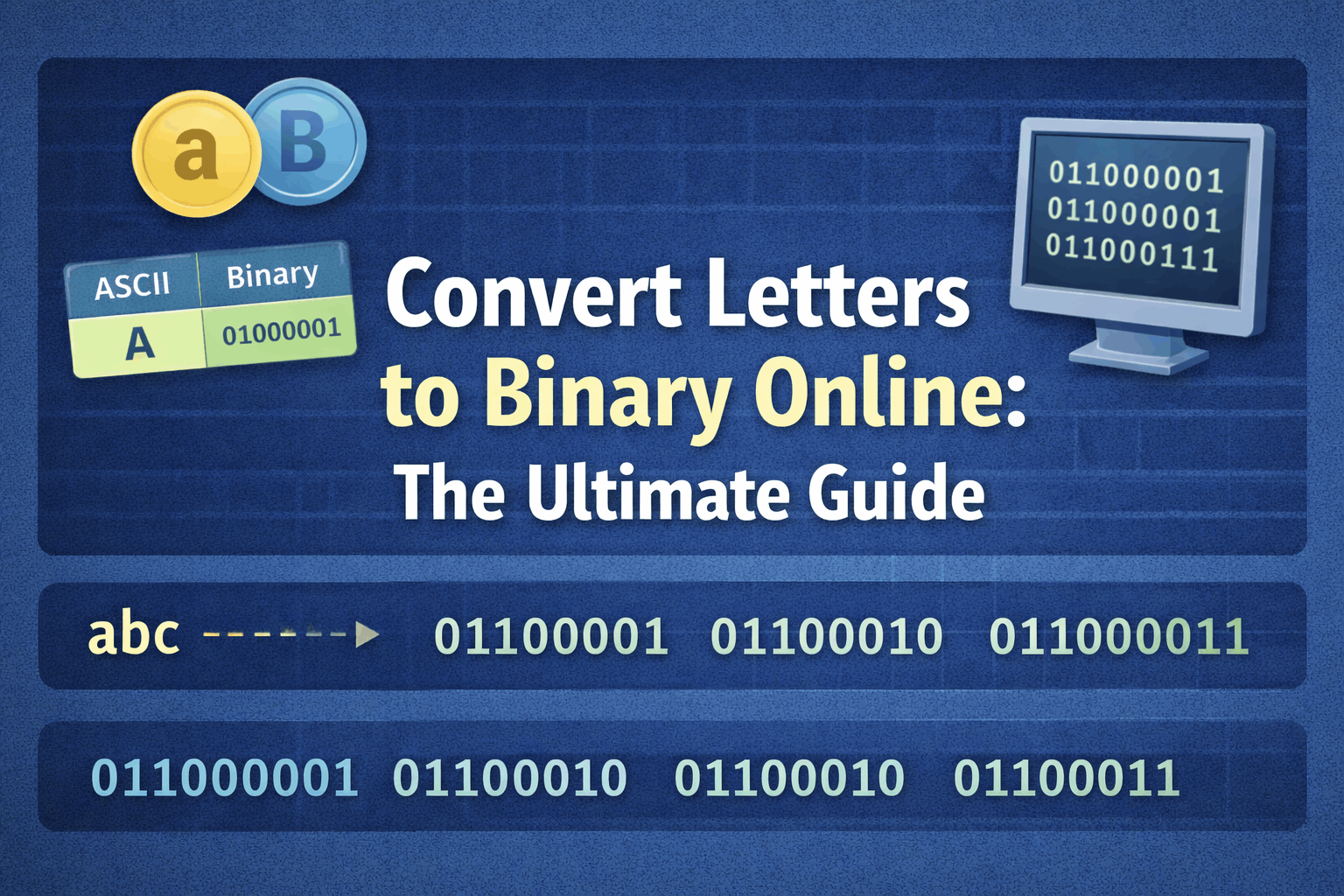
The American Standard Code for Information Interchange (ASCII) assigns a number to every English character. For example, "A" is 65. In binary, 65 is 01000001.
2. Unicode / UTF-8 (The Modern Standard)
ASCII was limited to English. Unicode (often implemented as UTF-8) expanded this to include characters from all languages, plus emojis! 🌍
How to Convert Letters to Binary Manually
Want to impress your friends? Here is how to convert the letter "C" to binary:
- Find the Decimal Value: In ASCII, "C" is 67.
- Convert to Binary: Find the powers of 2 that add up to 67.
64 + 2 + 1 = 67 - Map the Bits:
128 (0), 64 (1), 32 (0), 16 (0), 8 (0), 4 (0), 2 (1), 1 (1) - Result:
01000011
Why Use an Online Converter?
Manual conversion is fun for one letter, but impossible for a sentence. An online tool offers:
- Speed: Convert paragraphs in milliseconds.
- Accuracy: No math errors.
- UTF-8 Support: Handle complex characters easily.
Try Our Smart Binary Converter
We built the ultimate tool to convert letters to binary online. It features auto-detection, so you can paste binary code to decode it back to text instantly.
Fun Things to Do with Binary
- Secret Messages: Send a binary code to a friend and see if they can decode it.
- Digital Art: Use 0s and 1s to create visual patterns.
- Learning: Understand how data storage works at a fundamental level.

Was this article helpful?
Comments
Loading comments...